Laser Cutter Software Built for Your Machine
Import SVGs, draw shapes, set up layers, and send jobs to your Ruida or GRBL controller — all from your browser. Works with K40, Ortur, xTool, and more. No install, no subscription.

Import SVGs, draw shapes, set up layers, and send jobs to your Ruida or GRBL controller — all from your browser. Works with K40, Ortur, xTool, and more. No install, no subscription.
Features
Design, configure, and cut — without switching between multiple desktop applications.
Assign shapes to layers with individual speed, power, and priority settings. Configure cut and engrave layers independently.
Drag and drop SVG files onto the bed. Paths are automatically parsed and ready for layer assignment and cutting. Exporting your finished layout back out as SVG or DXF is included with CutArc Pro.
See your full laser bed with a zoomable, pannable canvas. Position shapes precisely with snap-to-grid and dimension readouts.
Connect to Ruida controllers via WebUSB or Serial, and GRBL boards via Serial. Send jobs, frame the work area, and start cuts — all from Chrome.
Draw rectangles, circles, lines, and polygons directly on the bed. Click and drag to create shapes with real-time dimension previews.
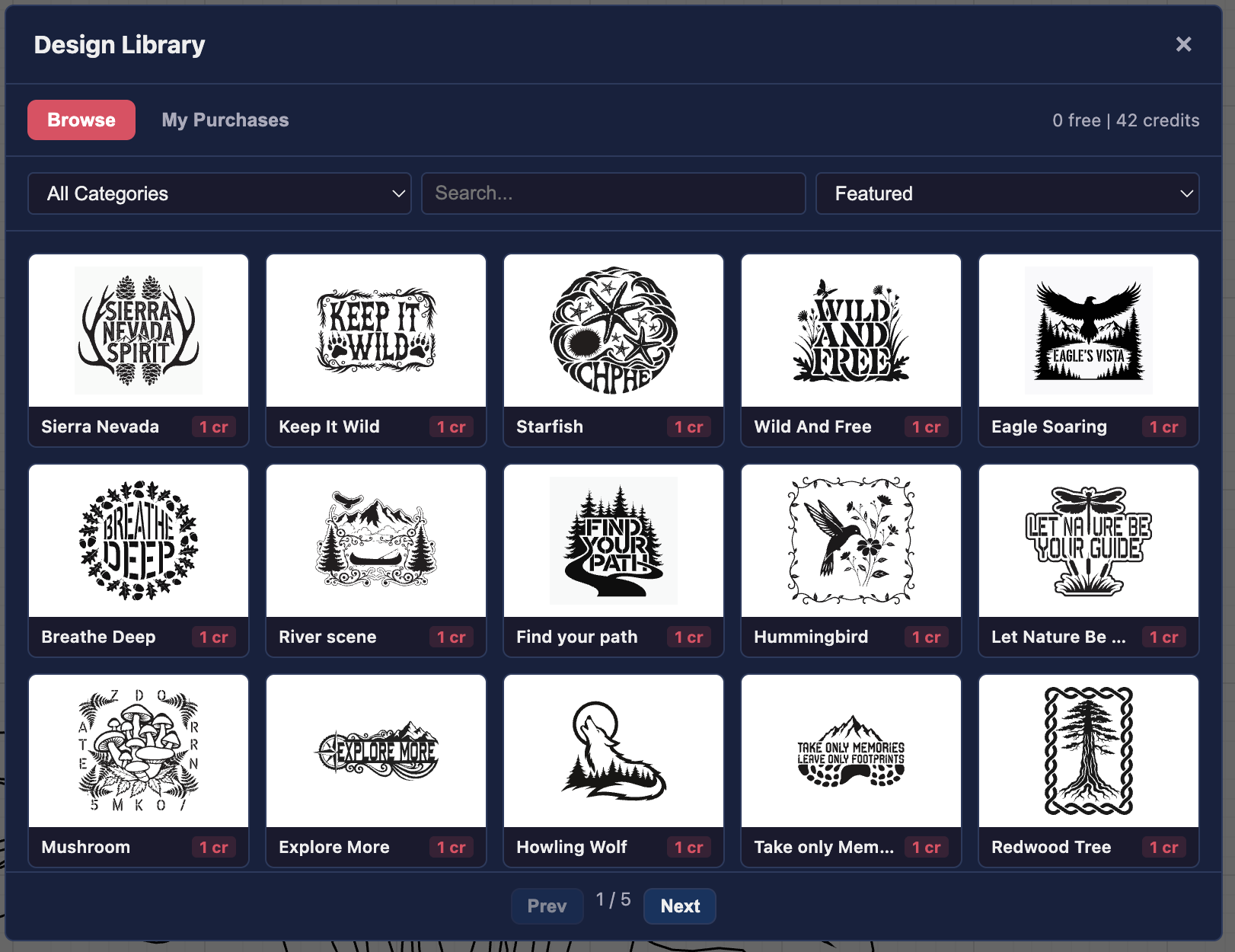
Browse and use ready-made designs from the shared CutArc design library. One free design per week included with every account.
Job Preview
Preview your job before sending it to the machine. Choose a material finish, adjust kerf width, and toggle cut gap visibility to catch issues before they waste material.

Photo Engraving
Import photographs and convert them to laser-ready scan data with adjustable dithering, brightness, contrast, and DPI settings. Material presets for plywood, acrylic, and more.

AI Design Generator
Describe what you want and get a laser-ready SVG in seconds. Or browse the design library with hundreds of ready-made patterns — one free design every week.
How It Works
No drivers to install, no complex setup. Just open Chrome and start cutting.
Drag an SVG onto the canvas, or use the built-in shape tools to create your design.
Assign shapes to layers and configure speed, power, and cut priority for each one.
Plug in your USB cable, connect via Serial or WebUSB, frame the job, and press start. Ruida and GRBL supported.
Compatibility
CutArc Laser supports Ruida DSP controllers and GRBL-based boards used in CO2 and diode laser cutters.
Most common CO2 controller
K40 upgrades, DIY builds BETA
Diode lasers via GRBL BETA
GRBL-LPC boards BETA
WebUSB & Web Serial
Standard USB connection
Works out of the box on most setups. Need help connecting? See our USB setup guide.
Create a free account and start cutting in minutes.
Launch CutArc Laser